AI Relaxation Buddy Setup Checklist: A Calm, Repeatable Routine for Stress Relief, Mindfulness, and Meditation
A well-set AI relaxation buddy can make it easier to unwind, stick to short mindfulness breaks, and protect focus during busy days. This guide organizes the setup into a practical checklist—covering environment, tools, boundaries, and ready-to-use routine templates—so a calming session takes minutes to start and feels consistent over time.
What an AI Relaxation Buddy Does (and What It Shouldn’t Do)
At its best, an AI relaxation buddy acts like a steady guide: it helps you start quickly, follow simple steps, and finish with a clear “back to life” transition. Think of it as structure—not a substitute for professional support.
- Guides short sessions: breath pacing, body scans, gentle grounding cues, and reflective journaling prompts.
- Builds consistency: repeatable session templates, reminders, and brief end-of-session summaries that reinforce the habit.
- Supports productivity through recovery: planned micro-breaks can reduce mental clutter and make it easier to re-enter a task.
- Shouldn’t replace care: it’s not for diagnosis, crisis support, or treatment. If stress, anxiety, or sleep issues feel severe or persistent, seek qualified help.
- Works best with boundaries: time limits, topic guardrails, and privacy settings keep sessions calm and predictable.
For evidence-based context on mindfulness safety and effectiveness, see NCCIH’s overview of meditation and mindfulness.
Before You Start: Choose Your “Calm Mode” Goals
Consistency beats complexity. For the first week, pick one simple outcome and one default session length so you don’t spend your “calm time” deciding what to do.
- Choose one primary goal: faster wind-down, fewer stress spikes, easier sleep transition, or steadier focus.
- Pick a realistic session length: 3–5 minutes (micro-reset), 8–12 minutes (deeper downshift), or 15–20 minutes (full meditation).
- Decide the time slot: after lunch, post-work decompression, pre-sleep, or between deep work blocks.
- Pick one measurable signal: perceived stress (1–10), time-to-calm, or sessions completed.
- Start small: one template + one time slot is easier than juggling multiple routines.
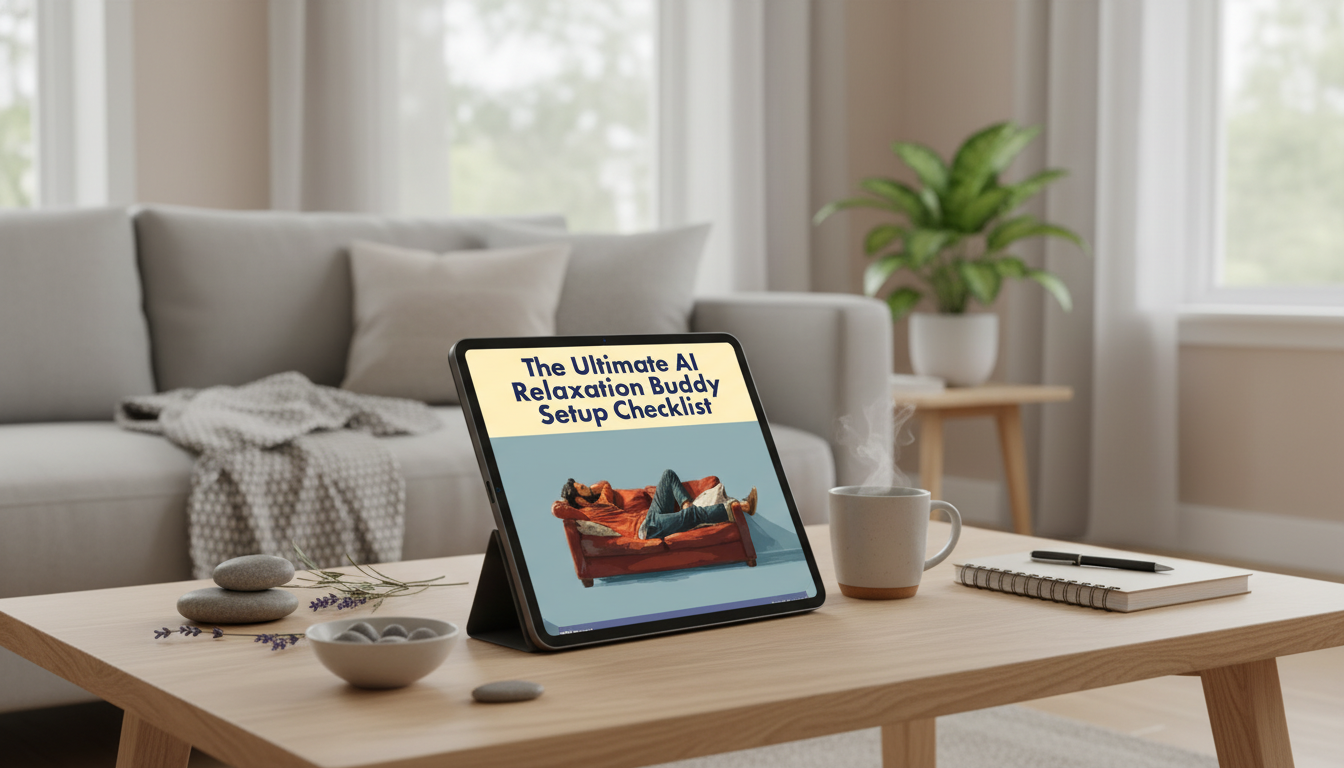
If you want a simple, printable structure you can repeat without overthinking, consider The Ultimate AI Relaxation Buddy Setup Checklist (digital download).
Setup Checklist: Tools, Space, and Comfort
You don’t need a perfect meditation room. You need a “good enough” setup that’s fast to recreate—so your body learns the cue: this is recovery time.
- Device readiness: stable connection, headphones if helpful, and notifications paused.
- Environment: adjust lighting and temperature; choose seating that supports relaxed, upright posture.
- Audio choices: silence, ambient sound, or guided voice—pick one default to reduce decision fatigue.
- Accessibility: captions, slower pacing, shorter prompts, or text-only guidance if audio feels overstimulating.
- Optional ambiance: a soft lamp can make the session feel distinct from work time and help you unwind faster.
For a gentler wind-down space (especially in the evening), soft lighting like the Nordic Feather Floor Lamp for a softer wind-down space can create a clear “off-ramp” from screens and task mode.
Quick Setup Checklist (Copy, Save, Repeat)
| Area |
Checklist items |
Default setting (recommended) |
| Device |
Notifications paused; volume set; timer available |
Do Not Disturb + 10-minute timer |
| Space |
Seat ready; feet supported; minimal clutter |
Same chair/spot daily |
| Audio |
Headphones optional; background sound chosen |
Low-volume rain/white noise |
| Prompt style |
Short and gentle; minimal questions mid-session |
1 instruction at a time |
| Exit plan |
Closing cue; next-step suggestion |
One-sentence summary + water break |
Build Your AI Relaxation Buddy: Boundaries and Safety
A calming routine depends on predictability. Your setup should make sessions feel steady—no surprises, no spirals, no information overload.
- Define the role: a calm, supportive guide that offers short steps, not lengthy lectures.
- Set pacing: request brief cues with pauses (or timed breathing counts) so you can actually do the practice.
- Set boundaries: avoid triggering topics; request neutral language; ask it to encourage professional help for serious concerns.
- Privacy basics: skip sensitive identifiers; keep journaling prompts general (feelings, patterns, next steps) rather than detailed personal data.
- Personalize what matters: tone (gentle vs. no-nonsense), techniques (box breathing, body scan, gratitude), and session length.
For simple breathing exercises that many people find approachable, see the NHS breathing exercises for stress. To understand how stress can show up physically, the American Psychological Association’s overview is a helpful reference.
Ready-to-Use Session Templates (Pick One and Stick With It)
Pick one template and repeat it for a week. Repetition is what teaches your nervous system the pattern: start, settle, finish.
Make It Stick: Reminders, Friction Reduction, and Progress Tracking
Common Snags and Simple Fixes
Digital Download Guide: A Printable Checklist for Fast Setup
If you want that structure ready-made, The Ultimate AI Relaxation Buddy Setup Checklist (digital download) is designed to be quick to reference and easy to repeat.
FAQ
How long should an AI-guided relaxation session be to actually help?
For a quick stress reset, 3–5 minutes is often enough to feel a noticeable shift. For deeper calming, aim for 8–12 minutes, and keep the same default length for a week before you adjust.
What should an AI relaxation buddy say during a session?
It should offer brief, step-by-step guidance with pauses—breathing pace, a few body scan cues, a grounding prompt, and a simple closing. Long explanations and intense questioning usually make it harder to relax.
Is it safe to use AI for mindfulness and stress relief?
It can be a helpful support for building a relaxation routine, but it’s not a substitute for professional care. Use clear boundaries, protect your privacy, and seek qualified help for severe, persistent, or worsening symptoms.
Recommended for you













Leave a comment