Calm by Design: Building a Low-Anxiety Life with AI Planning
Anxiety often spikes when decisions, reminders, and unfinished tasks compete for attention. When everything feels equally urgent, the mind keeps rehearsing “open loops” to avoid forgetting—an exhausting cycle that can make even simple days feel heavy. A well-structured AI planner setup can reduce that mental load by turning vague worries into clear next steps, gentle routines, and realistic schedules. This guide walks through an anxiety-friendly planning system and a simple way to keep it consistent over time.
It’s also worth remembering that stress affects the body as well as the mind; the American Psychological Association outlines how chronic stress can impact sleep, energy, and focus. Planning won’t remove every stressor, but it can add predictability and breathing room.
Why planning helps when anxiety runs high
- It turns mental “open loops” into an external list so the brain doesn’t have to keep rehearsing them.
- It creates predictability: clear priorities, time blocks, and boundaries reduce uncertainty.
- It lowers decision fatigue by using templates for recurring choices (meals, workouts, admin tasks).
- It adds self-compassion through realistic scheduling (buffer time, “minimum viable day” plans).
- It supports follow-through with small steps and reminders that don’t feel punishing.
When anxiety is high, the goal isn’t to schedule every minute—it’s to make “what’s next?” feel safe and answerable. A small, repeatable planning rhythm can also reinforce a sense of control, which matters when the nervous system is on alert.
What makes an AI planner calming (not overwhelming)
- Simple capture: one place to dump thoughts fast (voice note, quick entry, inbox).
- Automatic sorting: labels items by urgency/effort and suggests next actions.
- Flexible structure: adapts to energy levels and changing days without “falling behind.”
- Gentle nudges: reminders that offer options (snooze, reschedule, reduce scope).
- Privacy basics: clear data controls, minimal sharing, and transparent storage policies.
- Frictionless review: daily and weekly check-ins that take 5–10 minutes.
Planning features that reduce stress
| Need |
AI planner behavior |
Resulting benefit |
| Too many tasks at once |
Groups tasks into 1–3 priorities plus optional items |
Less overwhelm and clearer focus |
| Fear of forgetting |
Auto-reminders and recurring schedules |
Lower mental load |
| Perfectionism |
Suggests smaller next actions and “good enough” defaults |
More consistent progress |
| Unpredictable energy |
Offers low-energy alternatives and rescheduling prompts |
Fewer skipped days and guilt spirals |
| Time blindness |
Adds realistic duration estimates and buffers |
More accurate plans and fewer rushed moments |
A calm-by-design workflow: capture → clarify → plan → soothe
This flow is designed to be short enough to use even on tense days. The key is separating “getting it out” from “figuring it out.”
- Capture (2 minutes): dump every worry-task into one inbox list; no organizing yet.
- Clarify (5 minutes): convert each item into a concrete next action (verb + outcome).
- Plan (10 minutes): choose a “must-do trio,” schedule one focus block, and add buffer time.
- Soothe (30 seconds): end planning with a grounding cue (breath, stretch, short walk) to signal completion.
- Close loops daily: a quick “done list” or progress log to reinforce safety and competence.
If anxiety is already loud, start with capture only. Getting tasks out of your head can reduce the need to mentally rehearse them—even before a plan exists.
Prompts that help an AI planner reduce anxiety (copy and use)
Using the guide + checklist to build a stress-free routine
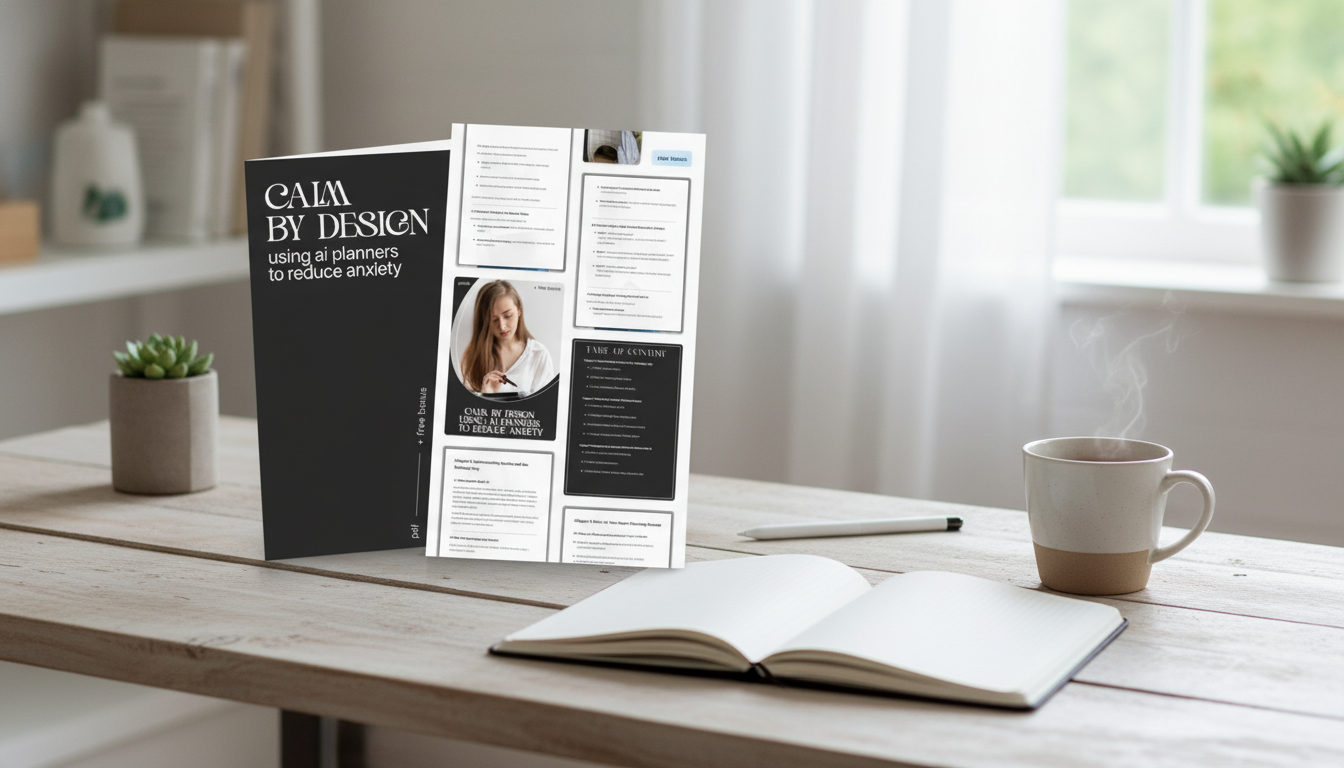
Consistency gets easier when the system is small and forgiving. A structured resource can help you avoid reinventing your setup every week. The Calm by Design: Using AI Planners to Reduce Anxiety – eBook & Checklist is built around short check-ins, realistic scheduling, and practical templates that reduce decision fatigue.
Environment matters, too. If evenings are when worry peaks, changing the sensory “tone” of your space can make wind-down routines more likely to stick. A soft-light option like the Nordic Feather Floor Lamp can support a calmer reset zone for planning, journaling, or reading—especially if bright overhead lighting feels activating.
And for days when getting ready feels like a hurdle, reducing wardrobe decisions can be surprisingly grounding. A cozy, put-together option such as the Romantic Knit Long-Sleeve Fishtail Sweater Dress for Fall and Winter can function as a “default outfit,” cutting one more decision from the morning.
Common pitfalls and how to avoid them
When to get extra support
If anxiety is persistent, worsening, or interfering with sleep, work, or relationships, consider professional support. AI tools can support routines and reduce overload, but they don’t diagnose or treat mental health conditions. The National Institute of Mental Health offers an overview of anxiety disorders, and the CDC’s stress coping resources provide practical strategies that pair well with planning.
FAQ
Can an AI planner actually reduce anxiety, or does it just add another tool to manage?
An AI planner can reduce anxiety by lowering cognitive load and decision fatigue, but only when the setup stays simple: one inbox, a small daily list, and gentle reminders. If it becomes another complex system to maintain, it can add stress—so start minimal and expand only if it feels calming.
How long does it take to feel calmer with a planning routine?
Many people notice some relief within a few days, with more consistent calm building over 1–2 weeks. The fastest wins usually come from capturing everything in one place, choosing 1–3 priorities, adding buffer time, and doing a short daily review.
Is it safe to put personal information into an AI planner?
It’s safest to minimize sensitive details, review the tool’s privacy controls, and use strong passwords and 2FA where available. Keep medical information or highly personal notes out of tools that aren’t designed for protected health data.
Recommended for you












Leave a comment